

A driver for unsupported Wacom tablets.
MockTab is a free, open-source driver for Wacom drawing tablets that no longer have official support on macOS.
One self-contained app. Pen input runs at top priority, so it stays responsive.
MockTab supports a growing set of USB and Bluetooth Wacom tablets, plus some Xencelabs models. Check the Hardware page for your model’s status.
Download for Mac See supported tablets


Purpose
Wacom tablets often outlast their drivers. MockTab revives USB and Bluetooth Wacom tablets from the early 2000s through roughly 2020 on macOS 13 and later, plus some recent Xencelabs tablets. See Hardware for supported models and test status.
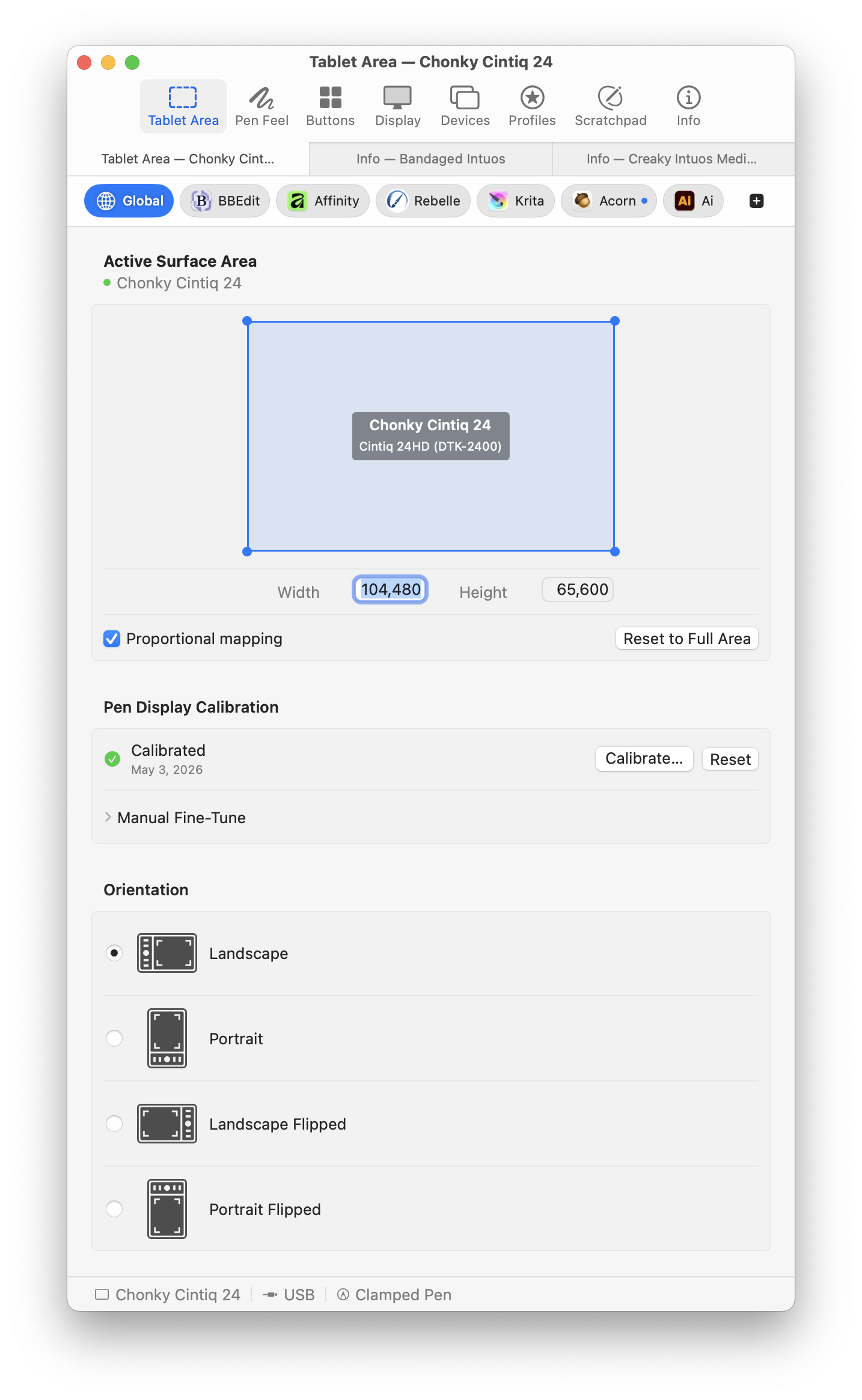
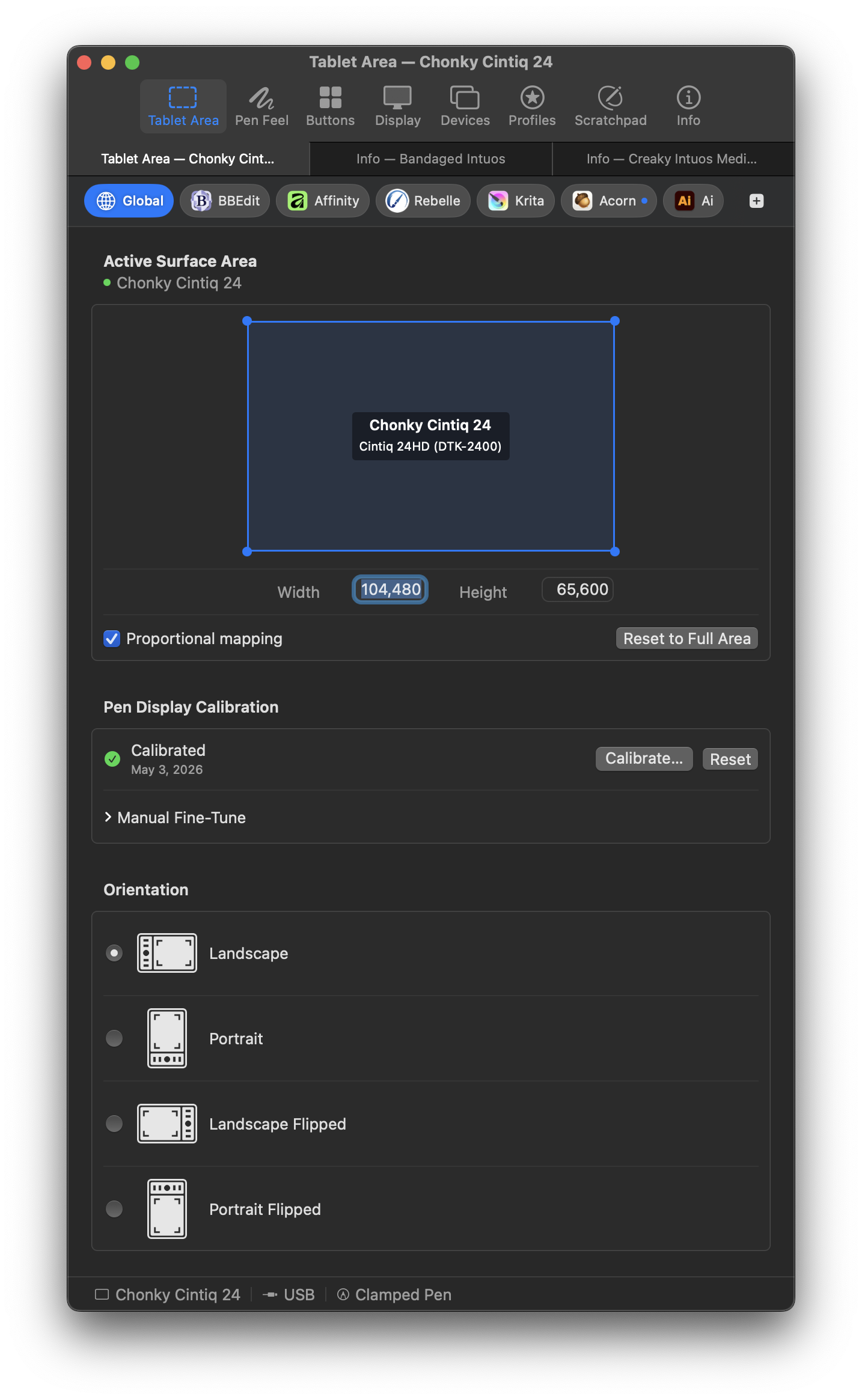
Tablet area
Maps part or all of the tablet to part or all of a display. Proportional mode keeps circles round, whatever the tablet’s shape.
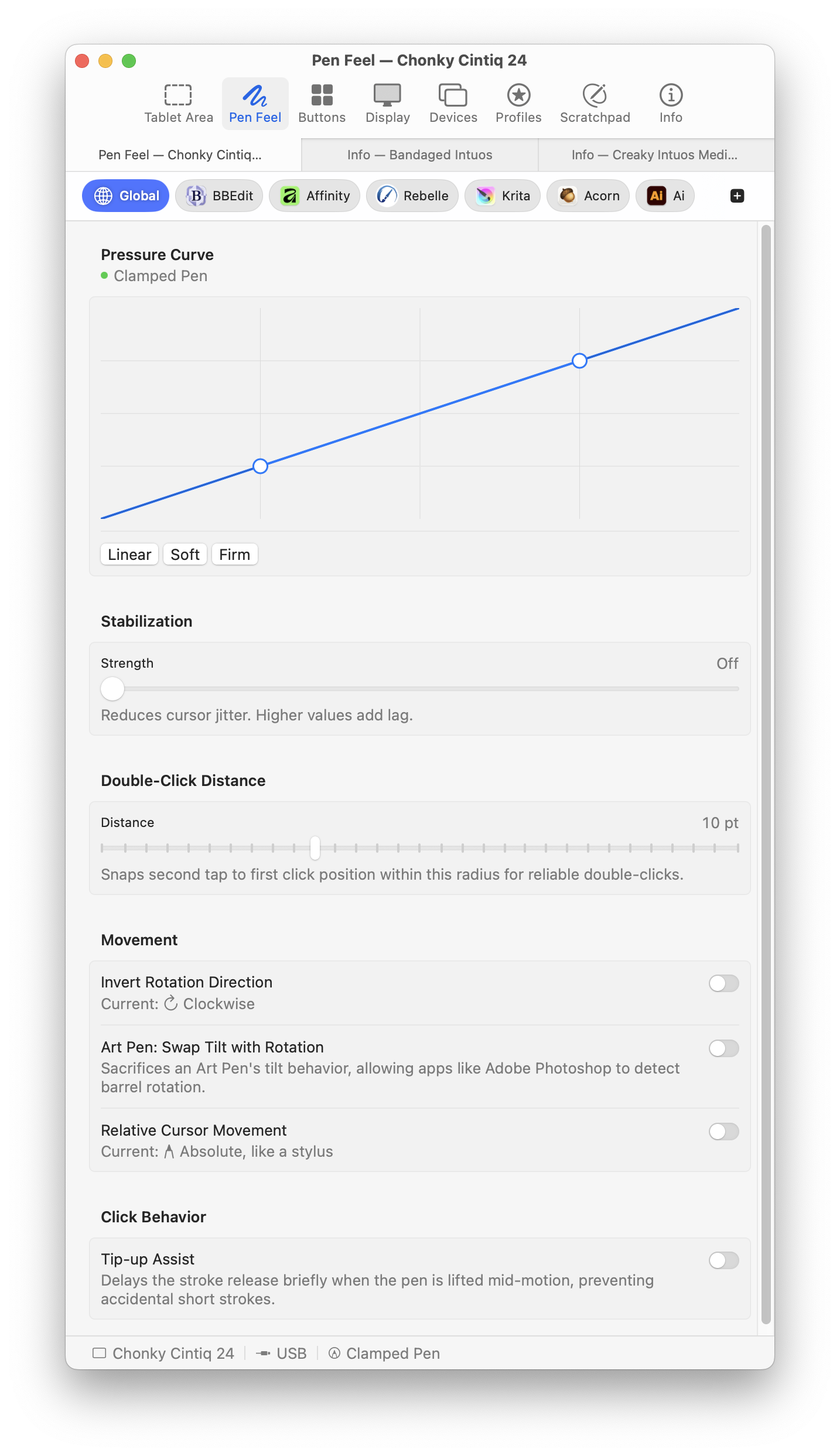
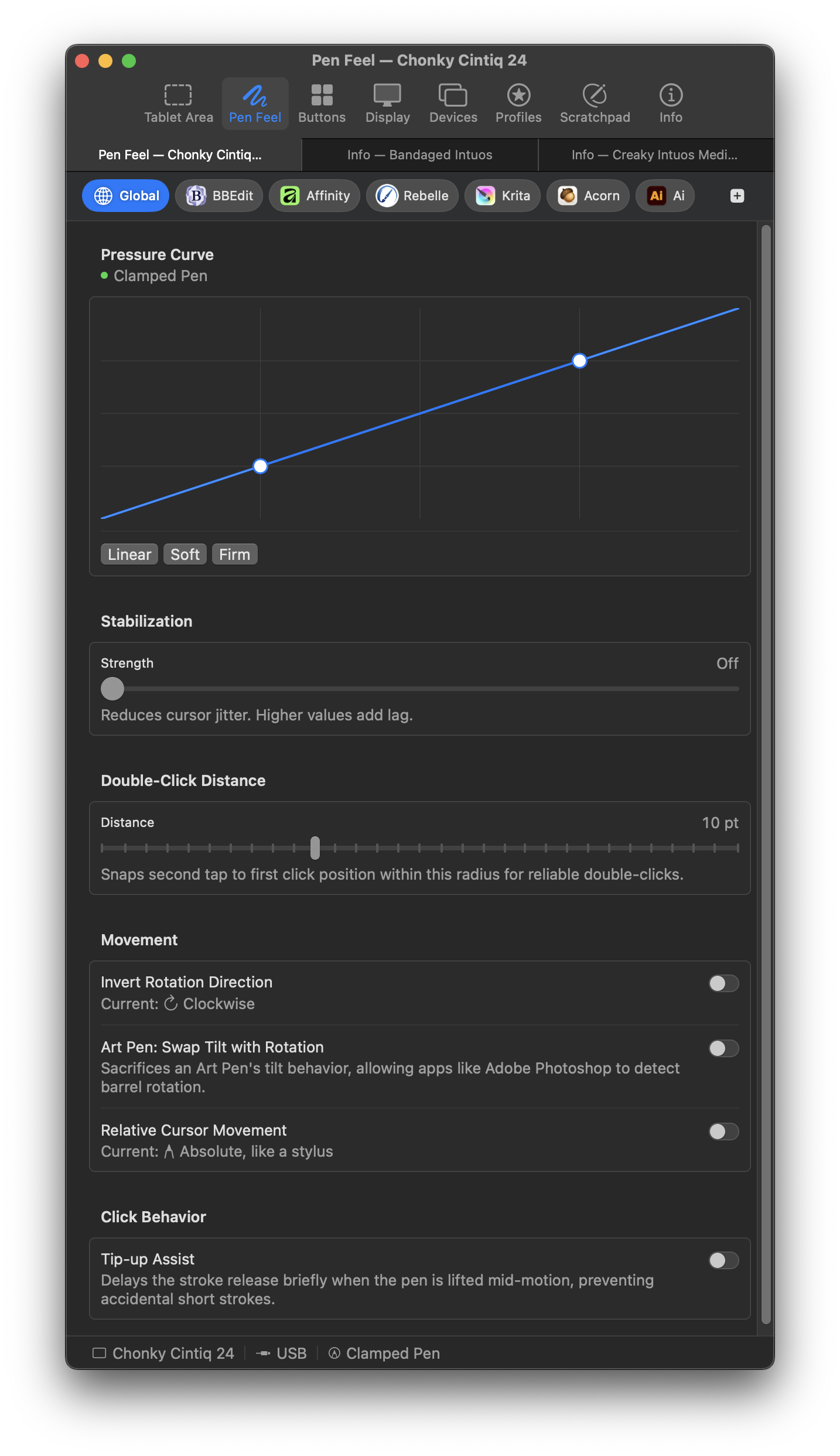
Pen feel
Adjust pressure, smoothing, double-click distance, and motion. Works with Photoshop, Affinity, Krita, Rebelle, Clip Studio, ZBrush, Blender, Nomad, and other pen-aware apps.
Button mapping
Assign key combinations, clicks, eraser toggle, or display cycling to barrel buttons, touch rings, and express keys. Press a shortcut to record it.
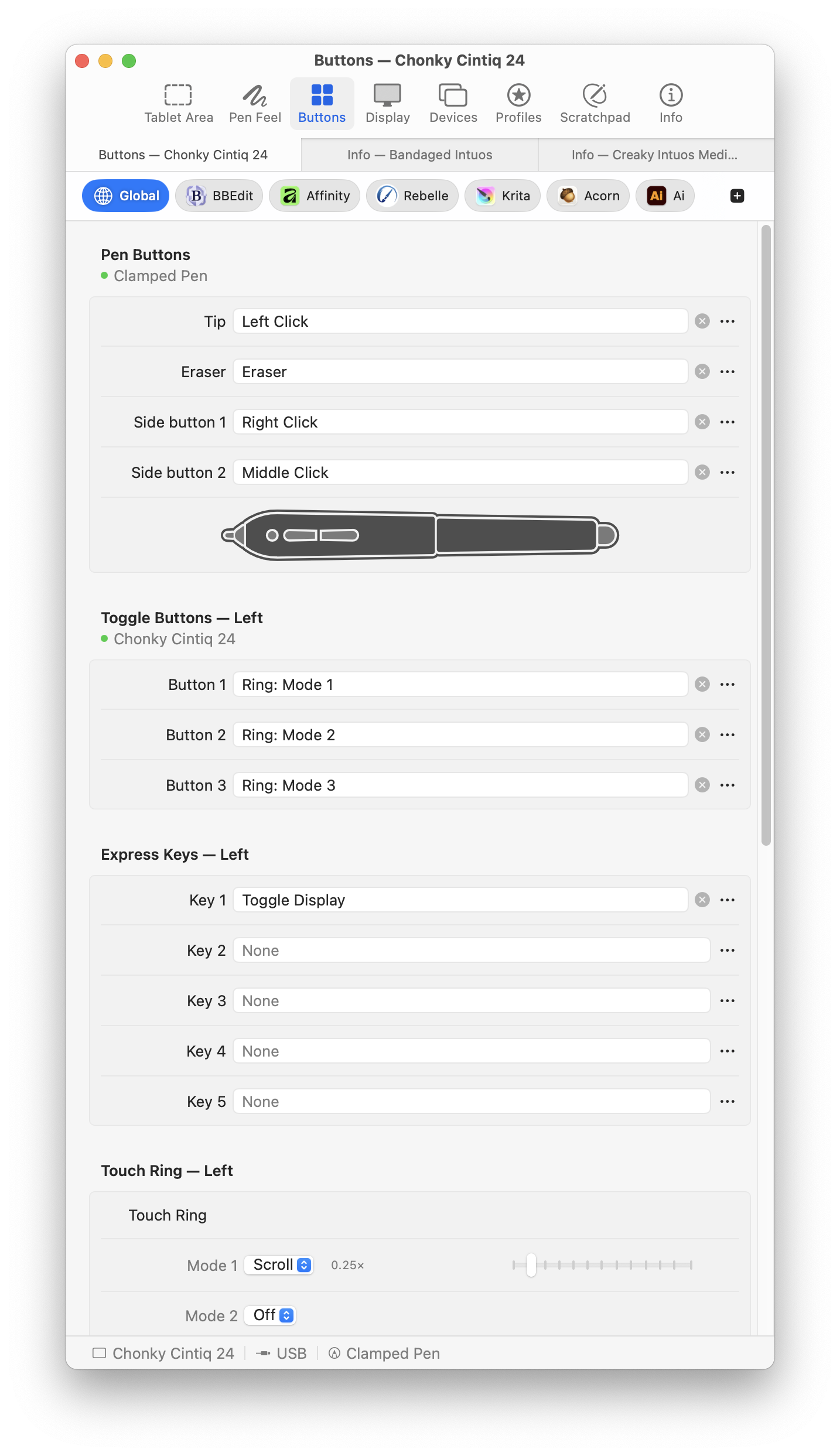
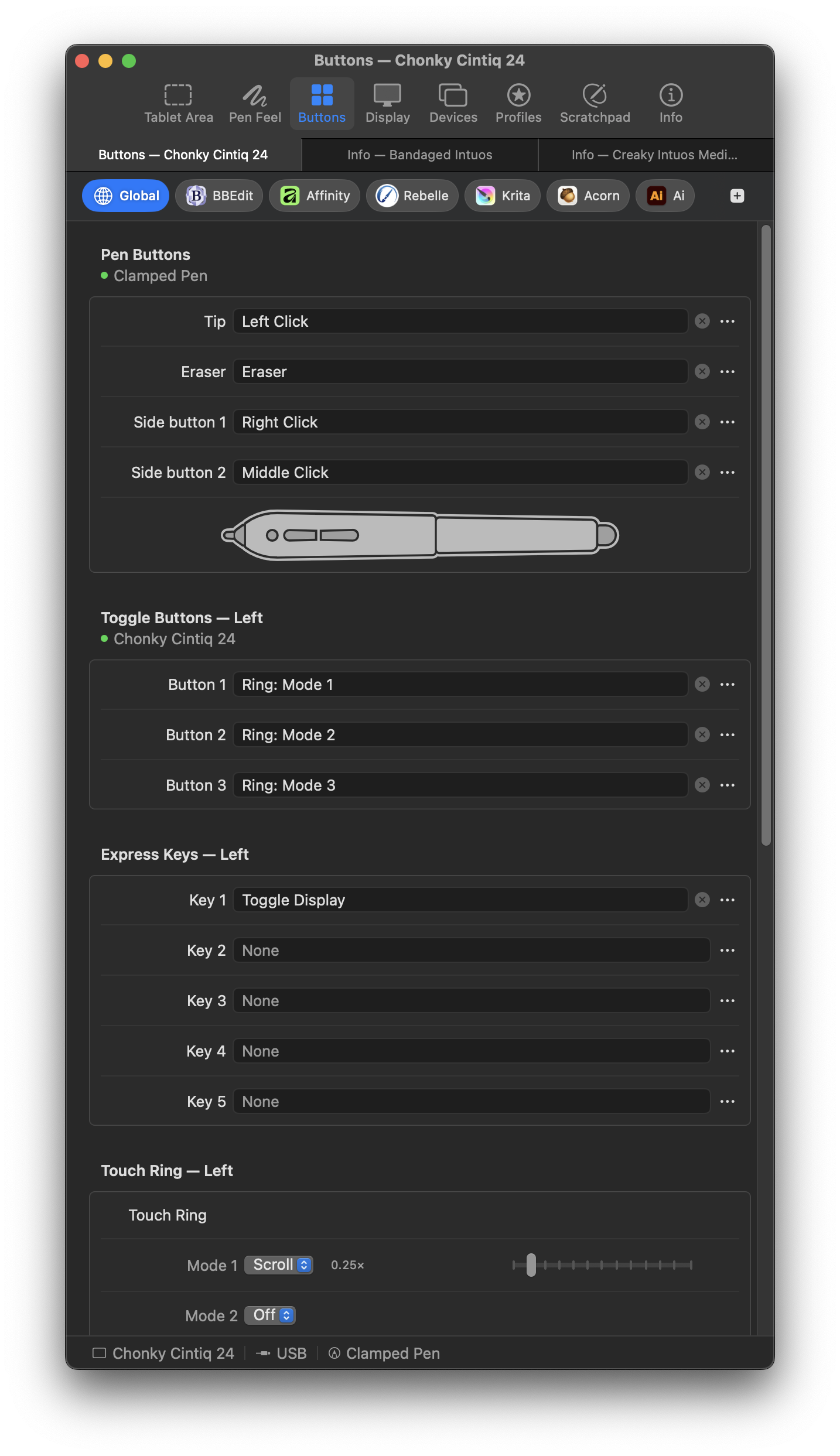
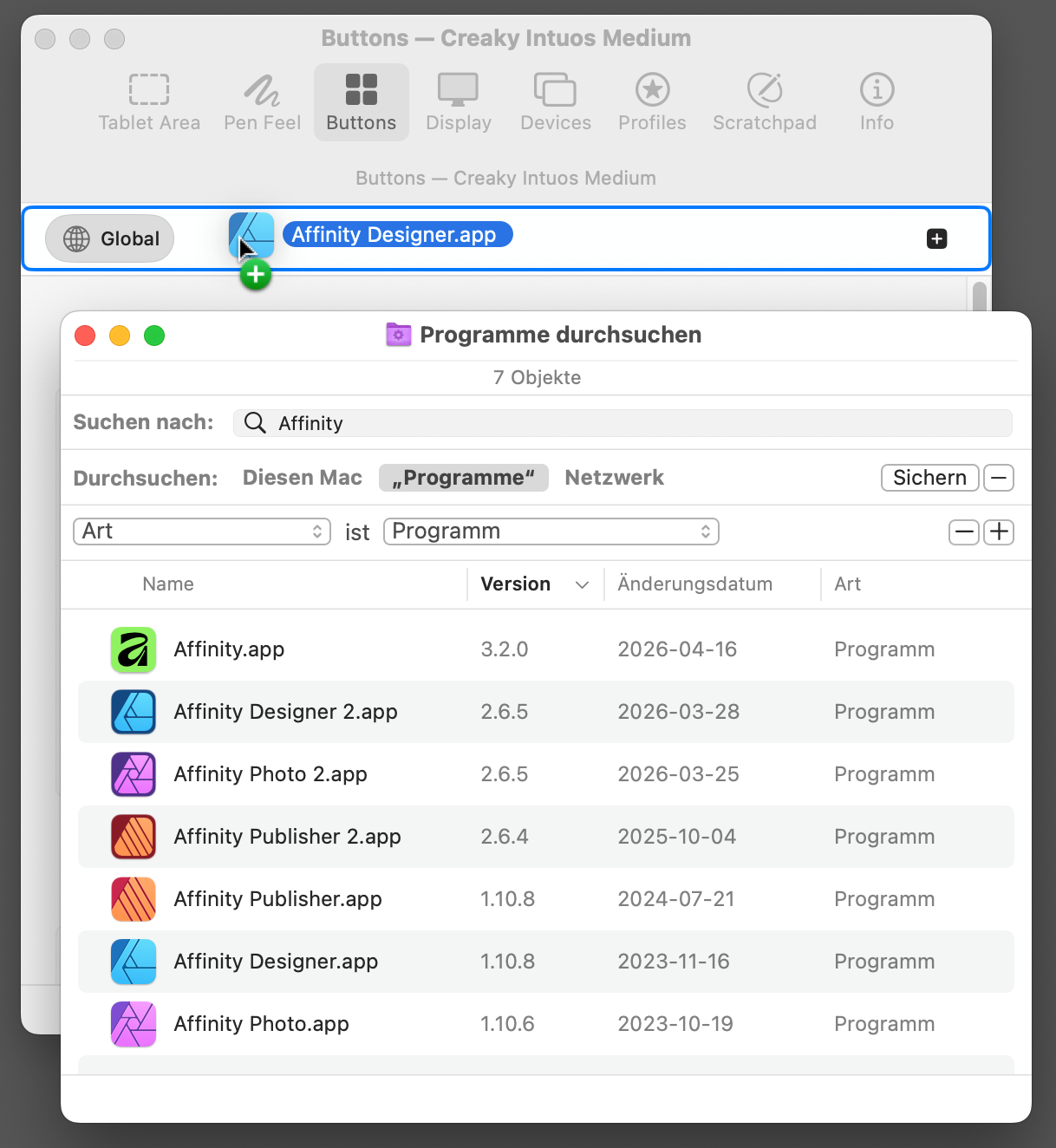
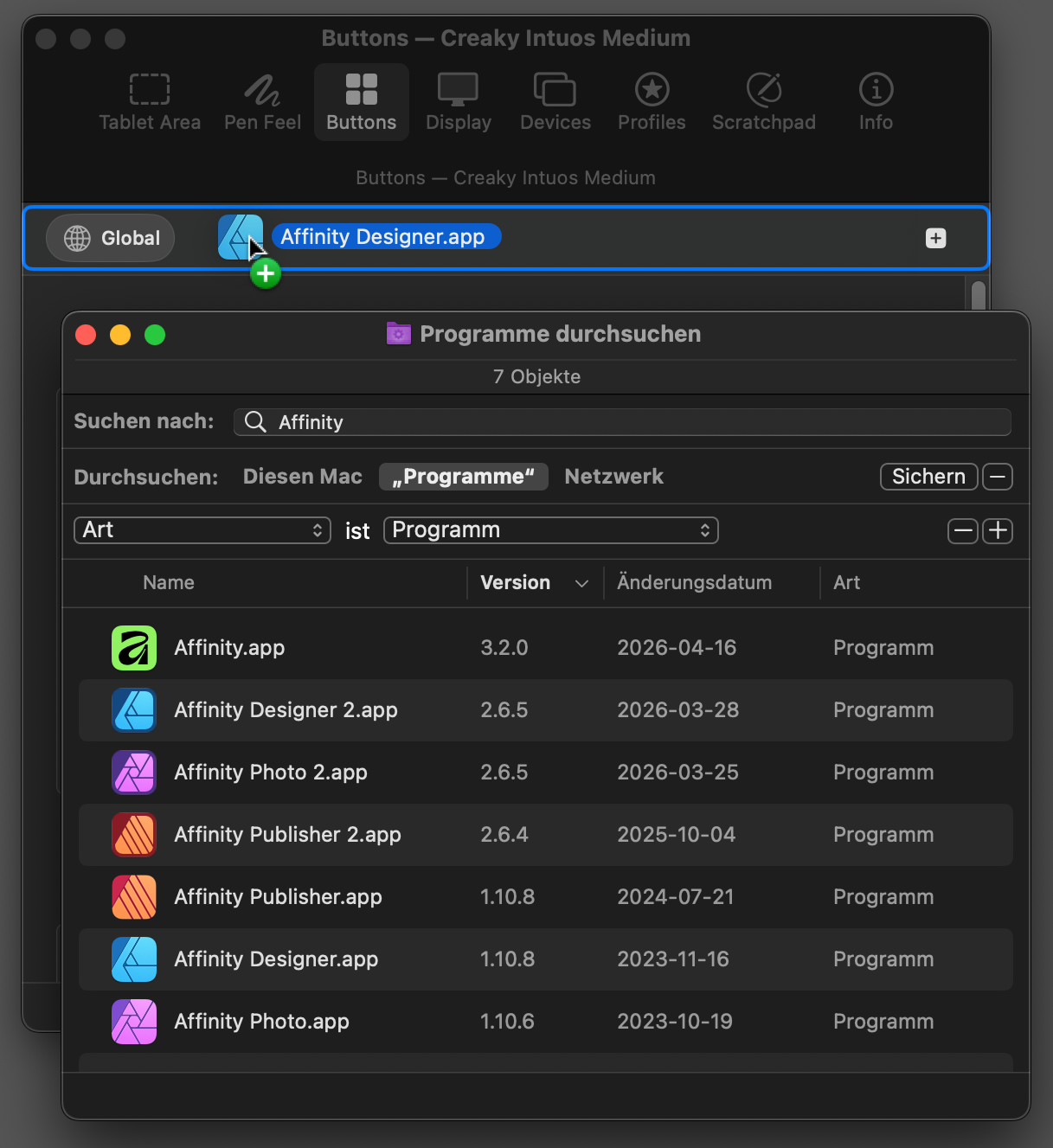
Per-app overrides
Give each app its own tablet area, pressure, buttons, and display. Settings follow you as you switch apps.
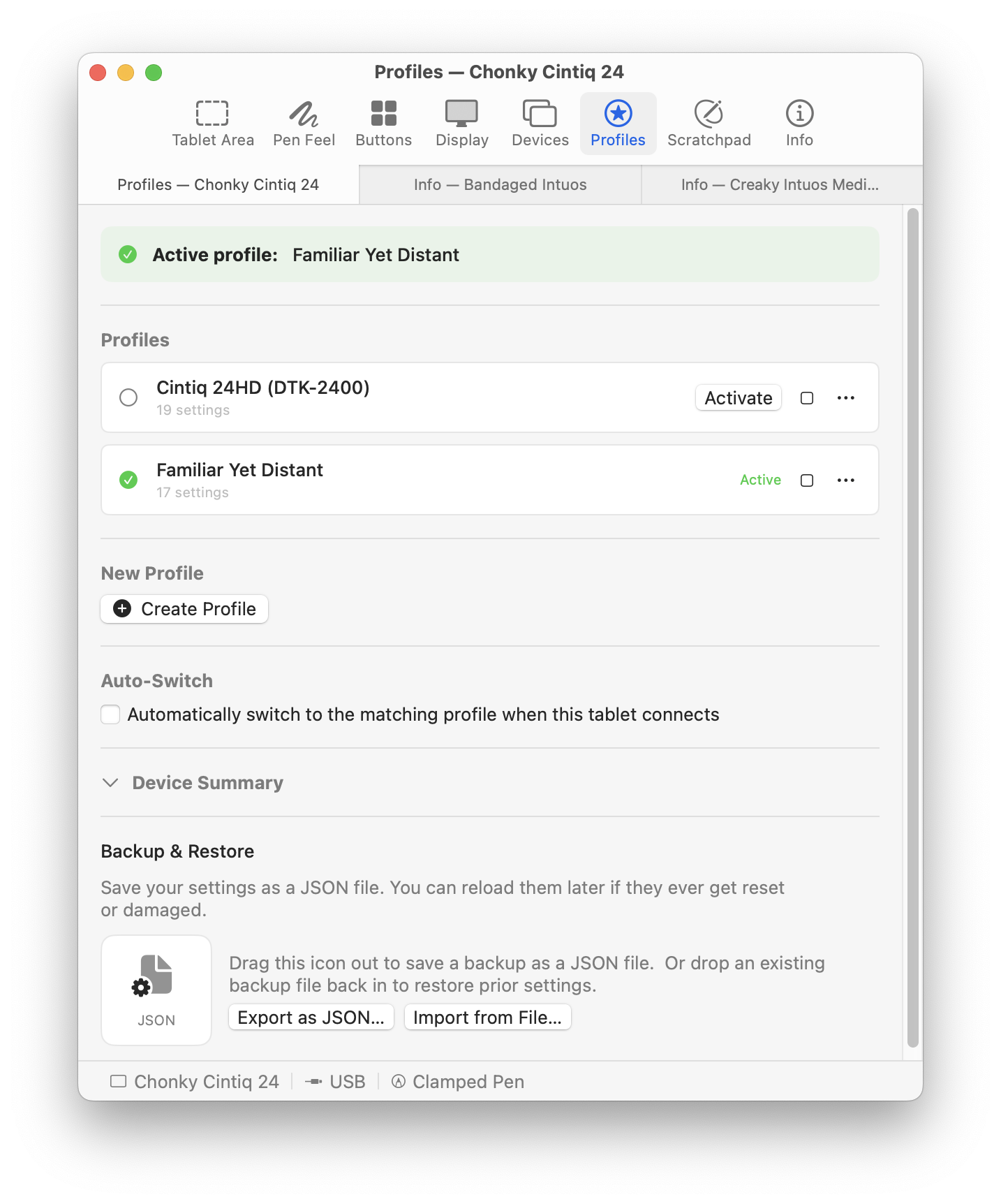
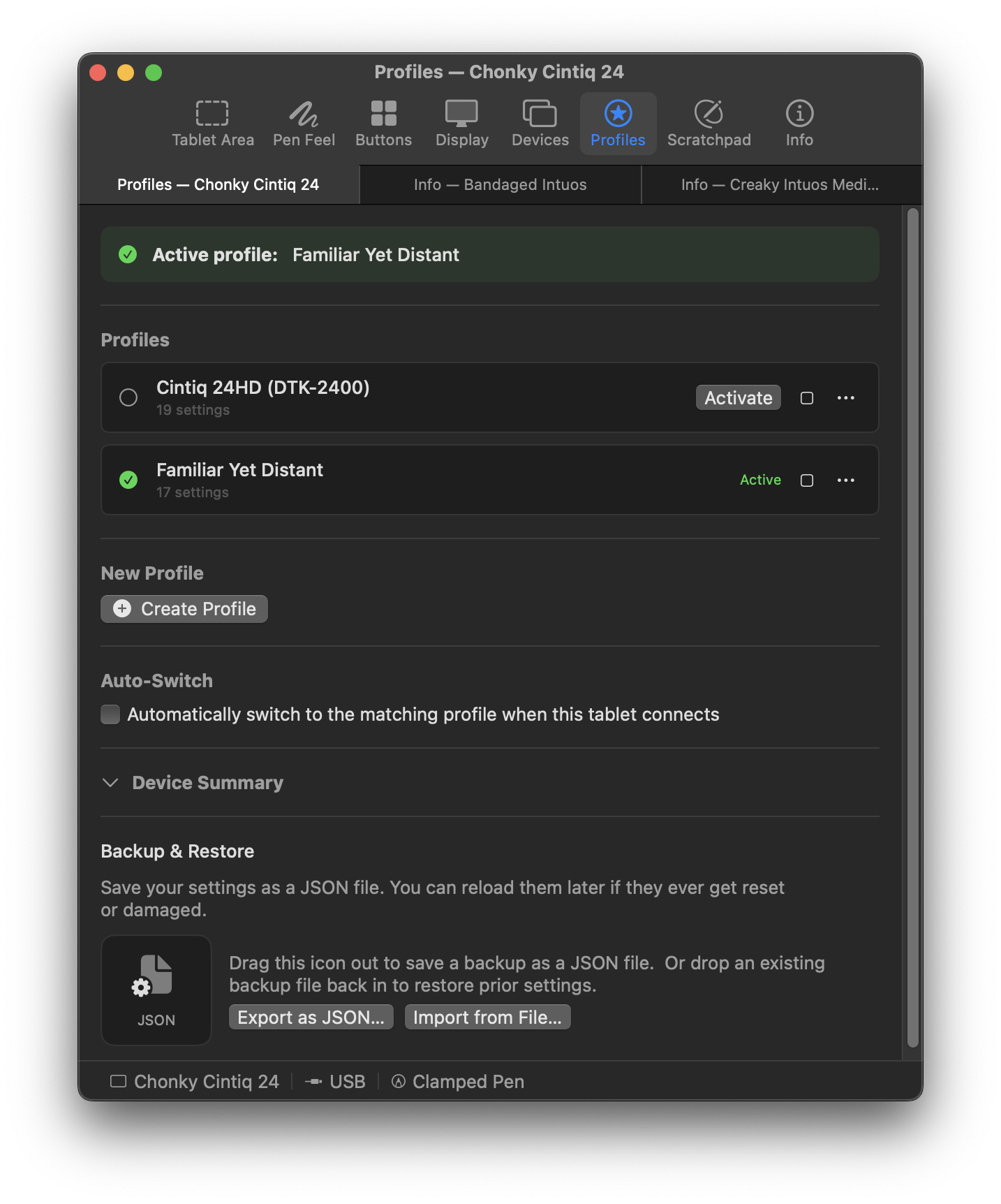
Profiles
Save a tablet’s settings under a name. Drag a profile in to import it. Imports merge with your settings instead of replacing them.
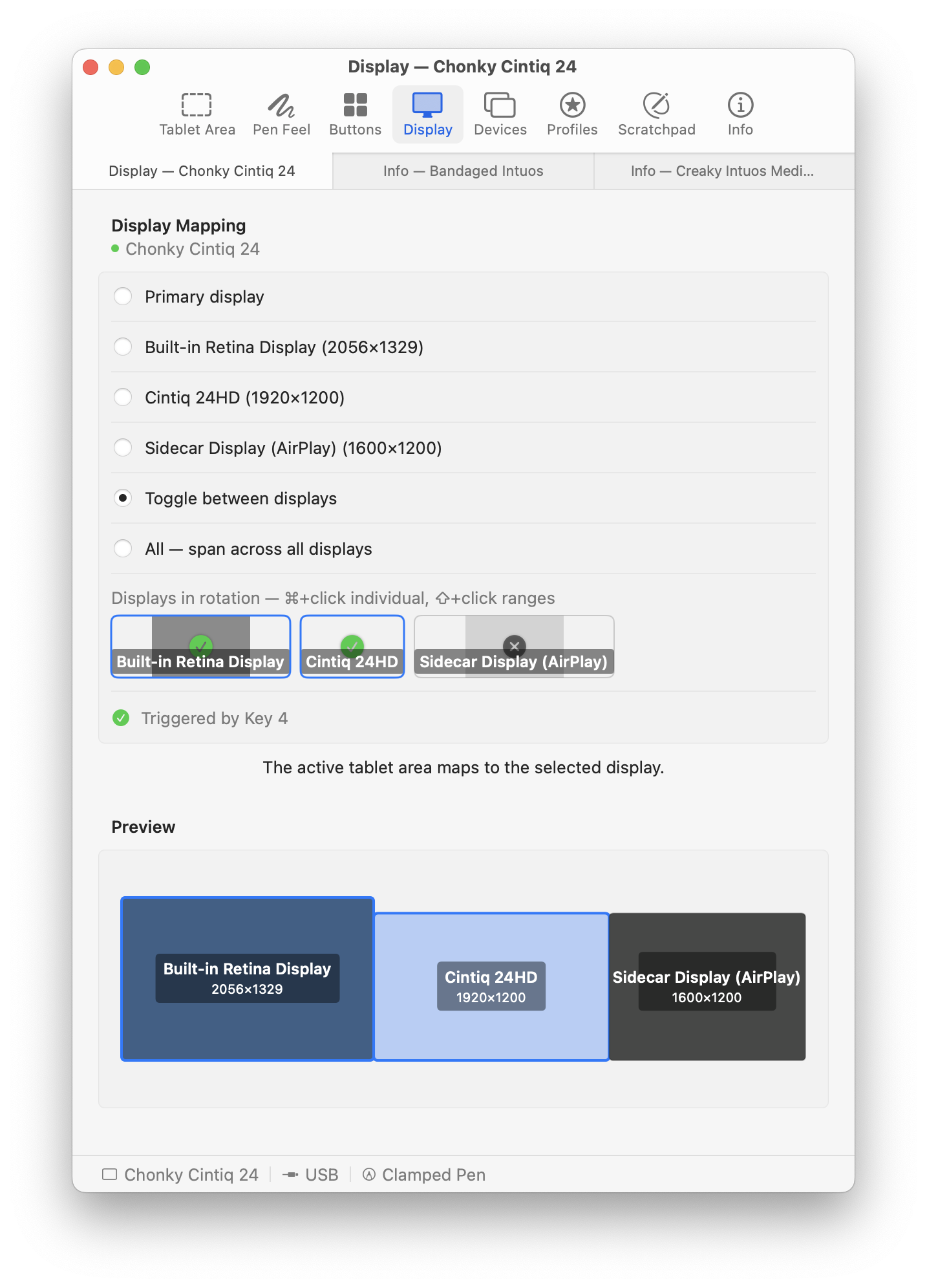
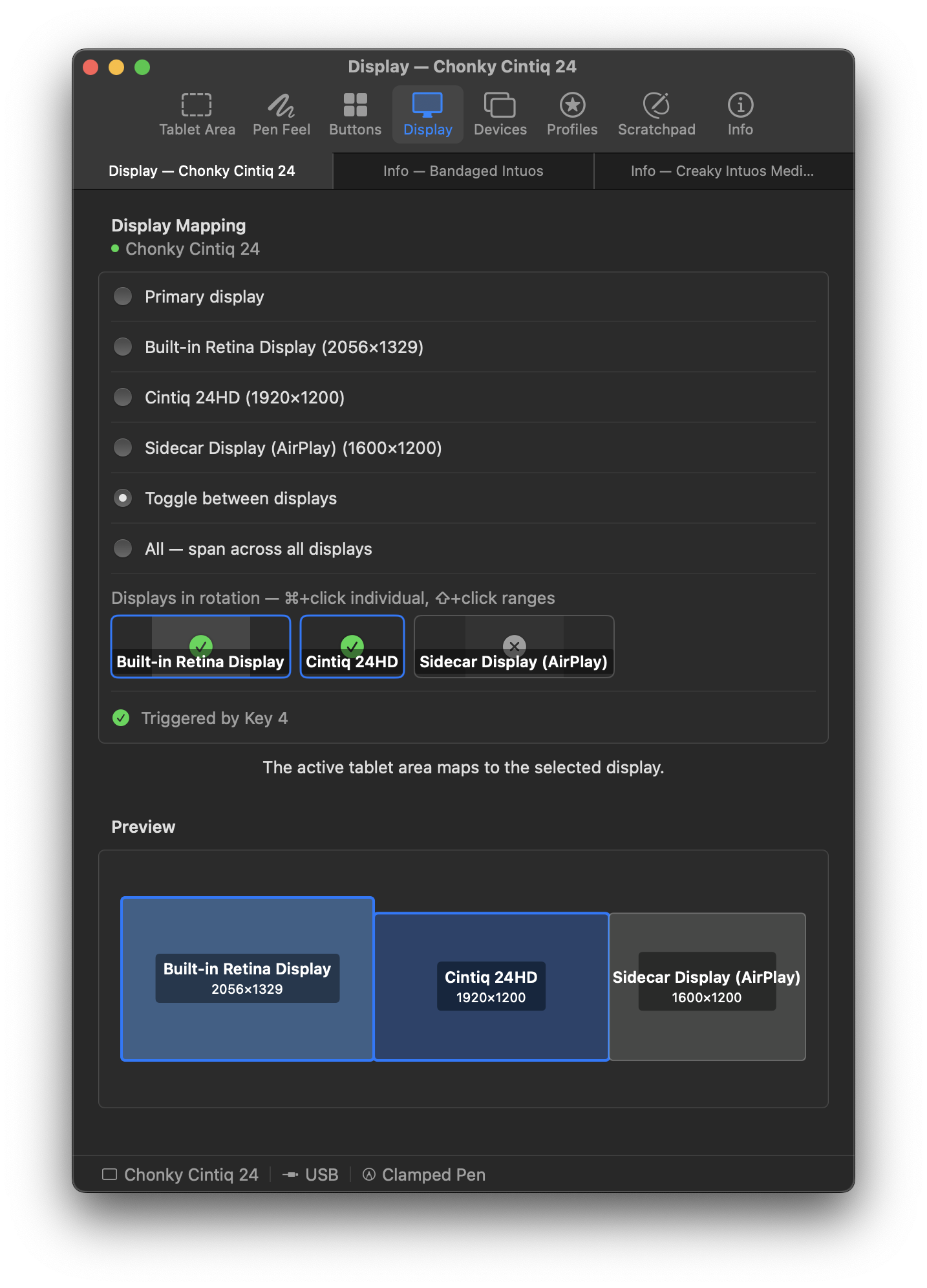
Display mapping
Map the tablet to one display or span all connected displays. Assign a button to cycle through them.
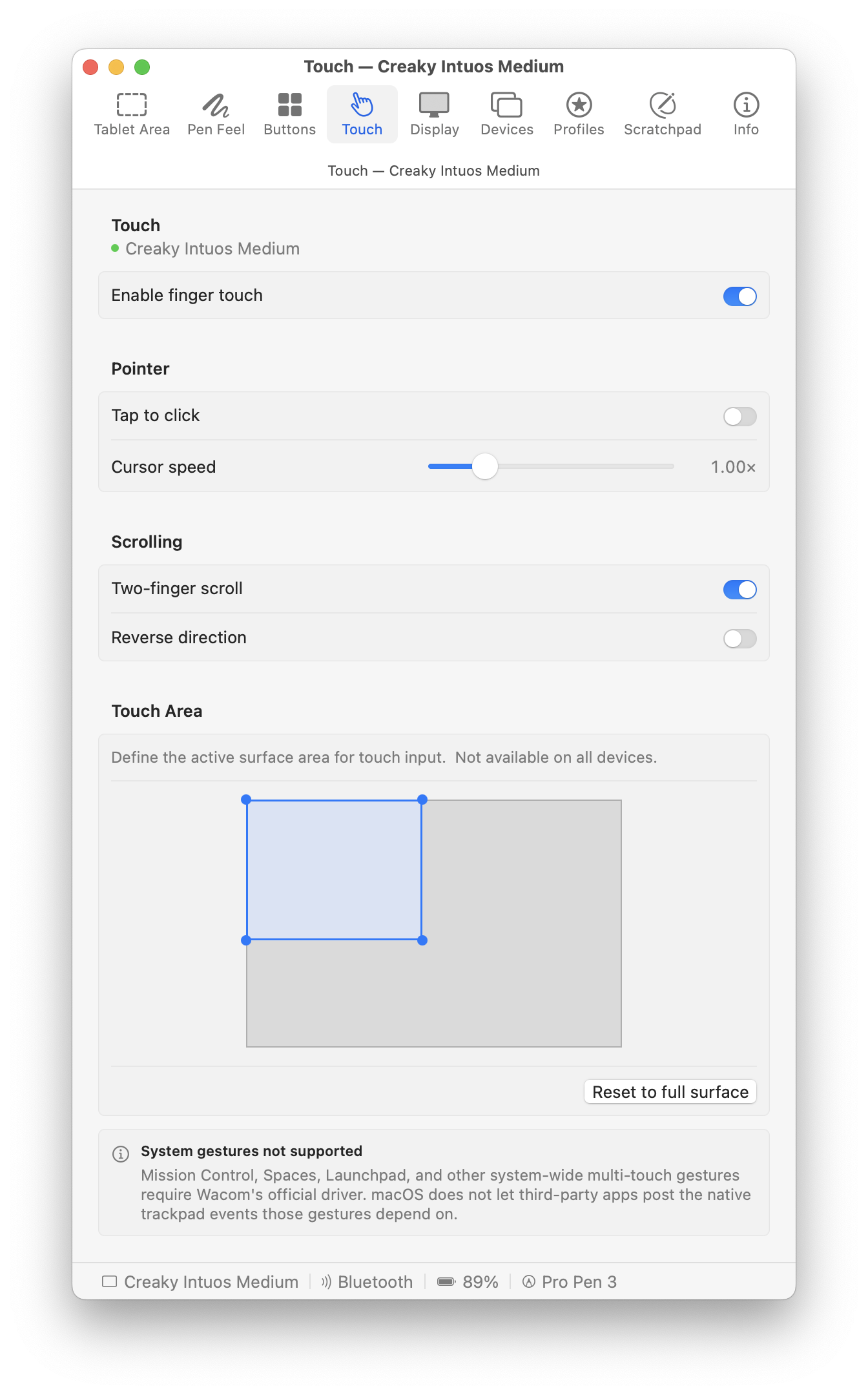
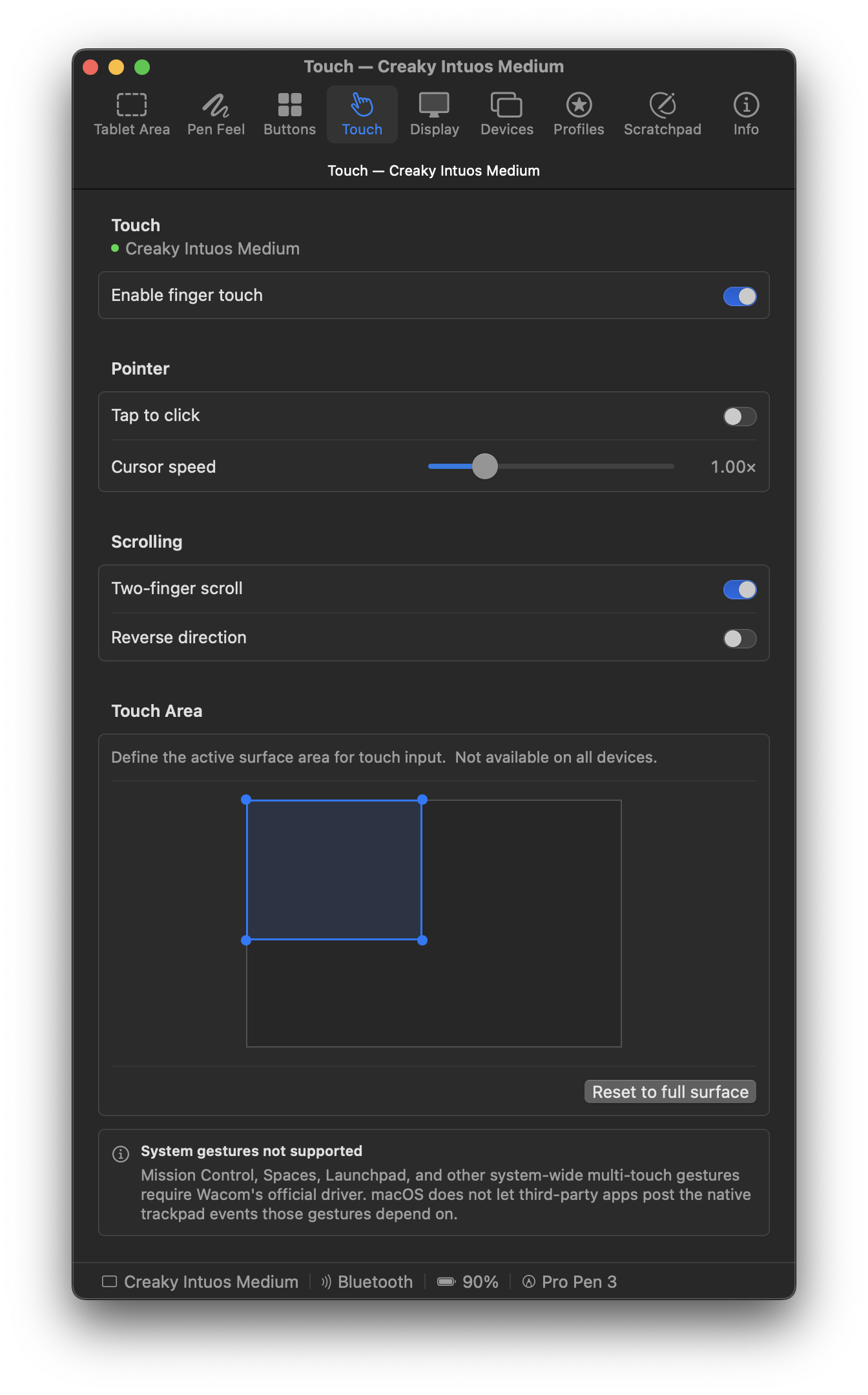
Touch
Move the cursor, scroll with two fingers, pinch to zoom, and rotate on tablets with touch.
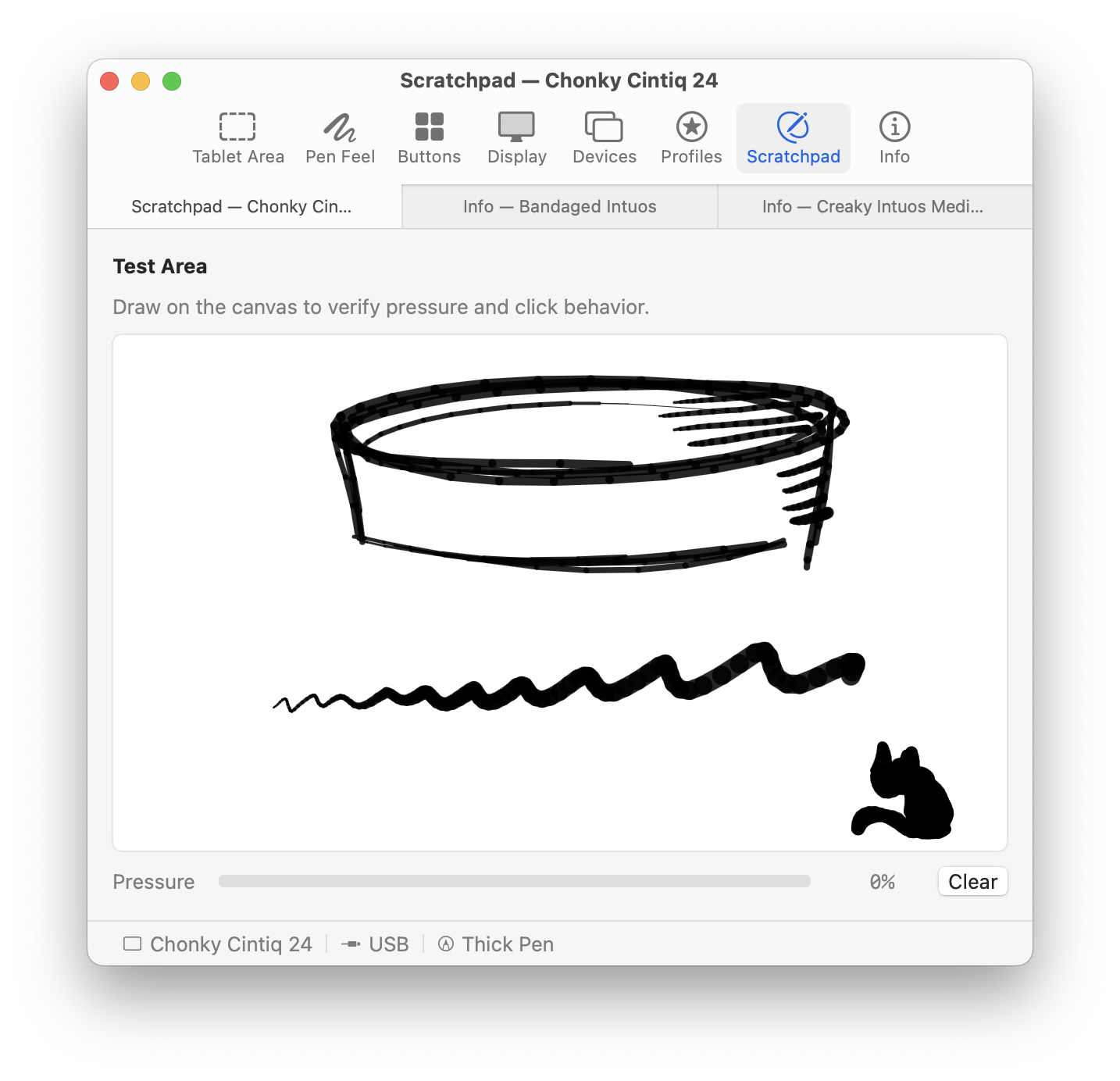
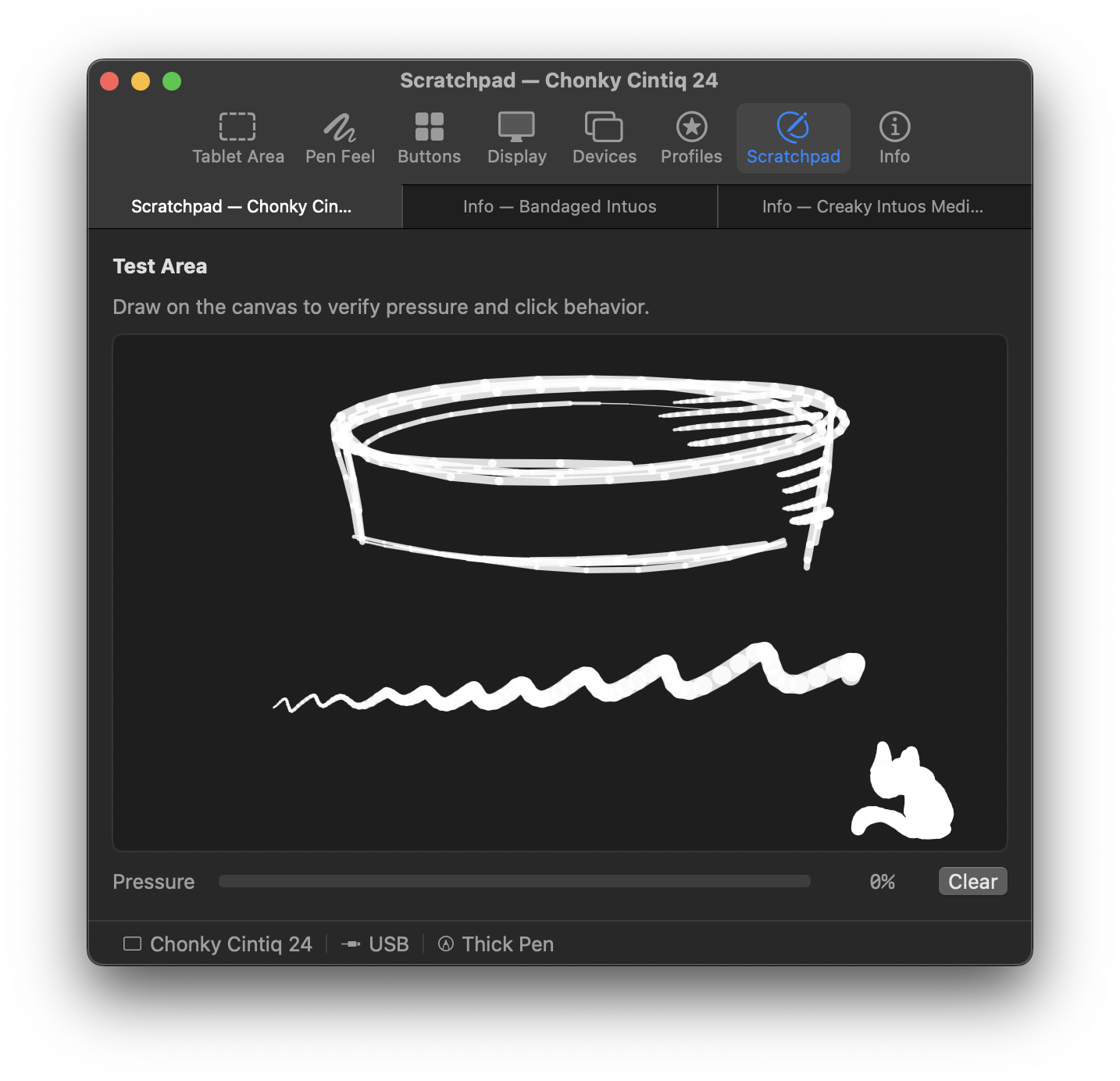
Scratchpad
Test pen input without opening an art app. See pressure, tilt, rotation, and button state as you draw.
Features
- Pressure, tilt, and pen rotation
- Per-app settings for tablet area, pressure, buttons, and display
- Several tablets at once, old and new
- Wireless over Bluetooth and USB dongles
- Touch rings and touch strips
- Touch, including two-finger scrolling, pinch to zoom, and two-finger rotation
- Profile import and export by drag and drop
- Undo and redo in every pane with ⌘Z
- In-app help, and a menu bar mode with no Dock icon
- One self-contained app
Needs testing
- Recent Wacom models, such as the 2023 Cintiq Pro
- Huion, XP-Pen, and other makers besides Xencelabs
Not planned
- Linux, Windows, iPad, and other operating systems (Mac only)
Get it
Requires macOS 13 or later.
First launch
macOS asks for Accessibility and Input Monitoring permissions so MockTab can read tablet input. See Configuration for a walkthrough with screenshots.

Frequently asked questions
Wacom says my tablet is no longer supported. What now?
Wacom's driver updates sometimes end support for older tablets. An earlier driver usually still works, if it runs on your version of macOS. See Troubleshooting for common symptoms, affected device families, and other driver options.
What is MockTab?
MockTab is a driver for Wacom drawing tablets that no longer have official support on macOS.
What is TabletKit?
TabletKit is the open-source engine inside MockTab. It reads the raw data a tablet sends and works out what the pen and buttons are doing: position, pressure, tilt, and presses. MockTab turns that into input macOS understands. Any Swift app can use TabletKit.
How is MockTab different from Wacom’s driver or OpenTabletDriver?
Wacom’s driver is proprietary and no longer supports many older tablets. OpenTabletDriver is open source, runs on several platforms, supports many tablets, and offers deep configuration.
MockTab focuses on the Mac and Wacom hardware, and installs no system extensions, background services, or login items.
My tablet works with Wacom’s driver or OpenTabletDriver. Why would I need this?
If your current driver works well, there’s no reason to change. MockTab is for tablets that official drivers no longer support, and for anyone who wants a native Mac app that gets out of the way.
What tablets does MockTab support?
MockTab supports Wacom USB and Bluetooth tablets from the early 2000s through roughly 2020, including Intuos, Intuos Pro, Cintiq, Bamboo, and Graphire families.
Many models have run on real hardware. Others come from Linux and OpenTabletDriver references and still need testing. Hardware lists every registered model and its current status.
Can I use an iPad as a drawing tablet?
Yes, but not with MockTab. Astropad Slate and Apple’s built-in Sidecar can turn an iPad into a drawing tablet.
What are the system requirements?
macOS 13 (Ventura) or later, on Apple Silicon or Intel. A supported Wacom tablet over USB or Bluetooth. About 10 MB on disk.
Is there a version for Linux, Windows, or other platforms?
No. Mac only. For Linux and Windows, try OpenTabletDriver.
How do I install it?
Download the latest disk image (.dmg) from Releases, drag MockTab.app into your Applications folder, and open it. The First launch section above walks through the privacy prompts.
Is this spyware? The privacy prompts sound suspicious.
No. MockTab makes no network connections and has no telemetry, analytics, or tracking.
For support requests, MockTab can save tablet details to a file on your Mac. It sends nothing. You decide whether to share it.
MockTab needs Accessibility to deliver pen input and pressure to other apps, and Input Monitoring to read the tablet. Its source code is on GitHub.
Can MockTab run alongside Wacom’s driver or OpenTabletDriver?
Generally, no. Two drivers fight over the same tablet and cause erratic input. MockTab warns you about a likely conflict and suggests a fix.
You can keep another driver installed if you stop it before opening MockTab. Utilities like App Tamer and LaunchControl can pause it without uninstalling it.
How do I remove MockTab?
Quit MockTab from the menu bar, then drag MockTab.app to the Trash.
To remove its settings, delete ~/Library/Preferences/com.cyzor.mocktab.plist. You can also revoke its Accessibility and Input Monitoring permissions in Privacy & Security. MockTab installs no system extensions, background services, or login items.
What does the name mean?
The name comes from the Mock Turtle in Alice’s Adventures in Wonderland, who laments no longer being what he once was.
Who developed this?
MockTab is an independent project by Jay Petronis, built on a set of aging but reliable Wacom tablets.
How can I get help?
Choose MockTab Help from the Help menu for in-app help. Collect Device Data…, in the same menu, records what your tablet sends into a zip file you can attach to an issue or email. Or open an issue on GitHub.